
Create Account
Instructions
- Go to https://app.sonicleads.com/
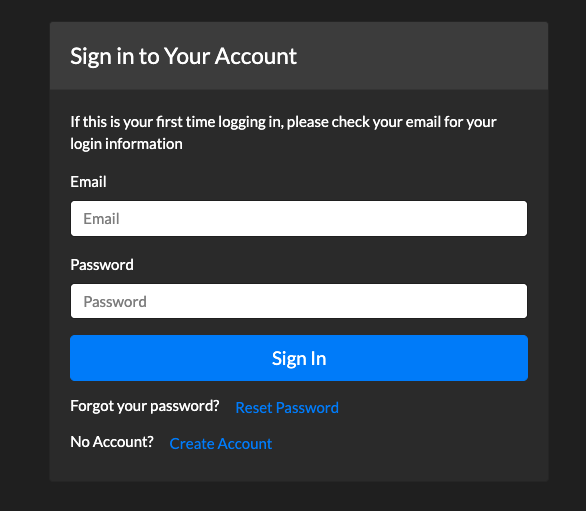
- If you already have an account, log in with your email and password. If you are looking to start an account, click on the "Create Account" option at the bottom of the page.
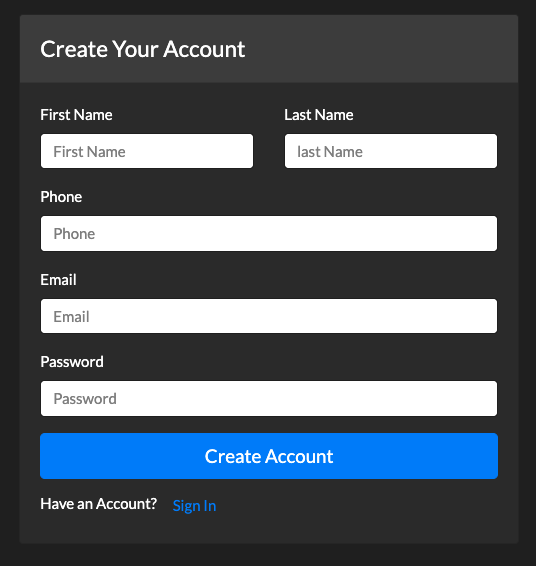
- Once selected, the following page will pop up, complete the required fields, and select "Create Account."
- After creating the account, please sign in using the email and password used to create the account.
